1,000 puzzles to explore
Build your sorting skills through a long sequence of colour puzzles, with occasional hidden layers to uncover as you pour.

A little colour. A calmer coast. Sort paint into matching jugs and bring beautiful seaside places back to life, one puzzle at a time.
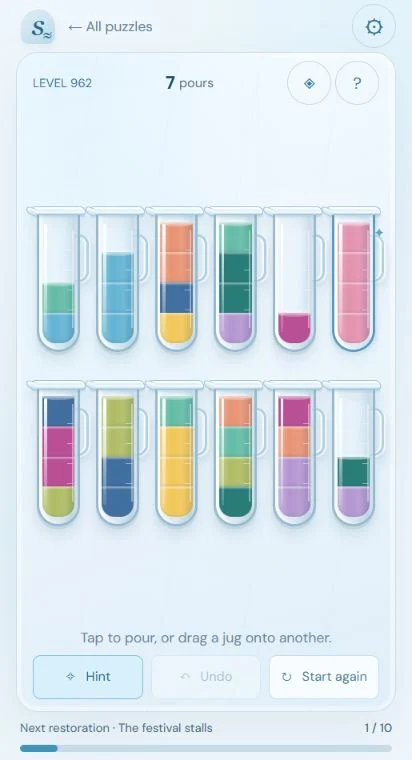
Simple to start, satisfying to solve. Plan your pours until each colour has a jug of its own. There is no timer, so you can take a moment to think.
Build your sorting skills through a long sequence of colour puzzles, with occasional hidden layers to uncover as you pour.
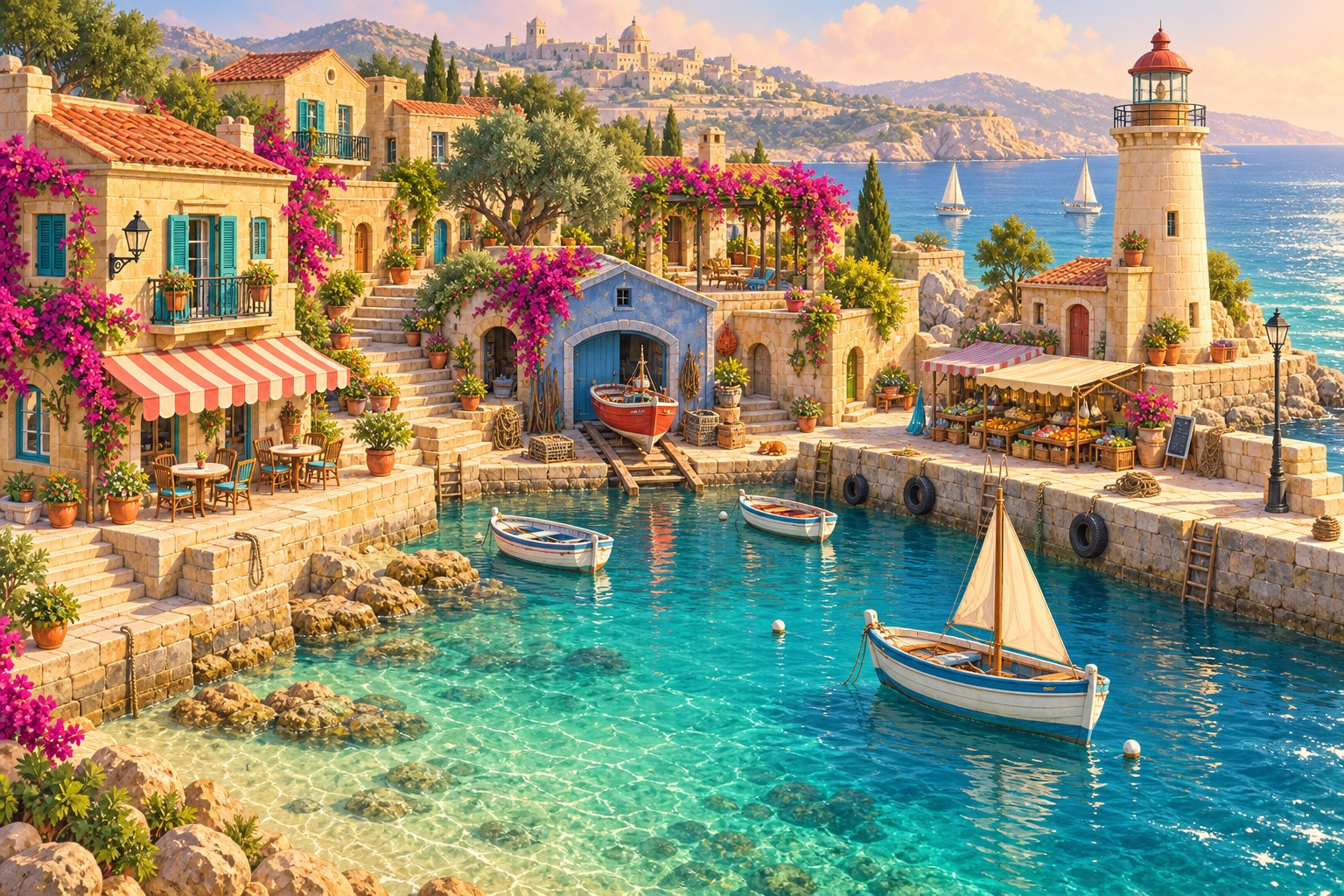
Restore seaside scenes and collect postcards as you travel from sunny harbours to new corners of the coast.
Undo a pour or restart a puzzle for free. Optional rewarded ads earn three saved hint credits to help when you get stuck.
Play puzzles offline and keep progress on your device. Connect to Google Play Games for cloud saves, achievements and the levels leaderboard.
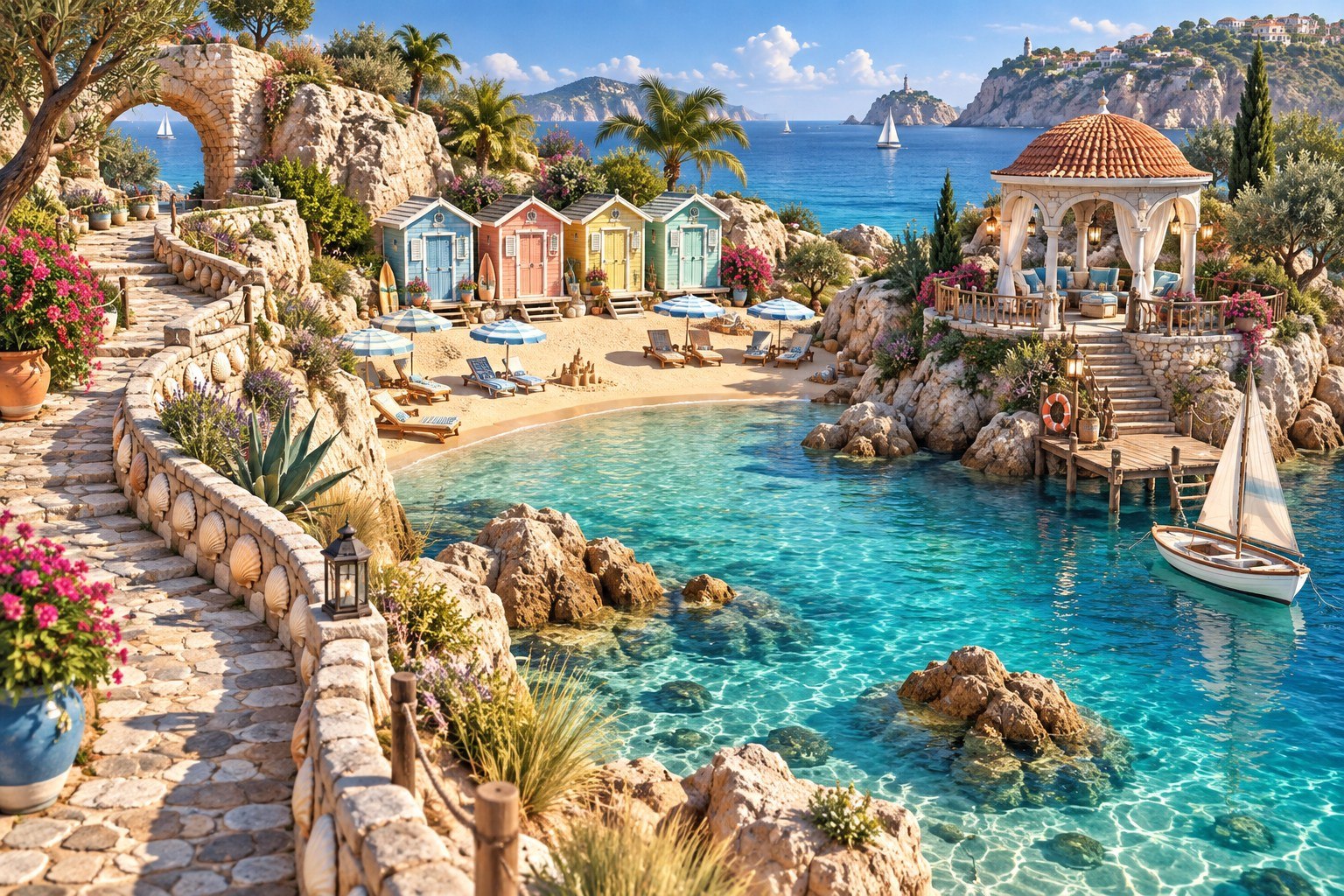
Every restoration brings another part of the coast into view. Pause and enjoy the places you have helped bring back to life.
Yes. Puzzle play and local progress work offline without an account. Advertising and Google Play Games features need an internet connection. Cloud saves, achievements and the leaderboard also need a connected Play Games account.
Yes. Seaside Studio includes footer banner ads and optional rewarded ads for hints. Each earned ad reward adds three hint credits; using a hint spends one credit. Undo and restart are free.
Yes. Enable colour symbols to give paint colours an additional visual cue.
Connect to Google Play Games through the game's cloud save option. Use the same Play Games account on another Android device to restore your saved journey. Hint credits stay on the device where you earned them.
Read the privacy policy for information about local saves, Google Play Games and advertising. For help, email jcsense26@gmail.com with your app version and a description of the issue.
View Seaside Studio on Google Play to check availability for your account and region.