Properties and meters together
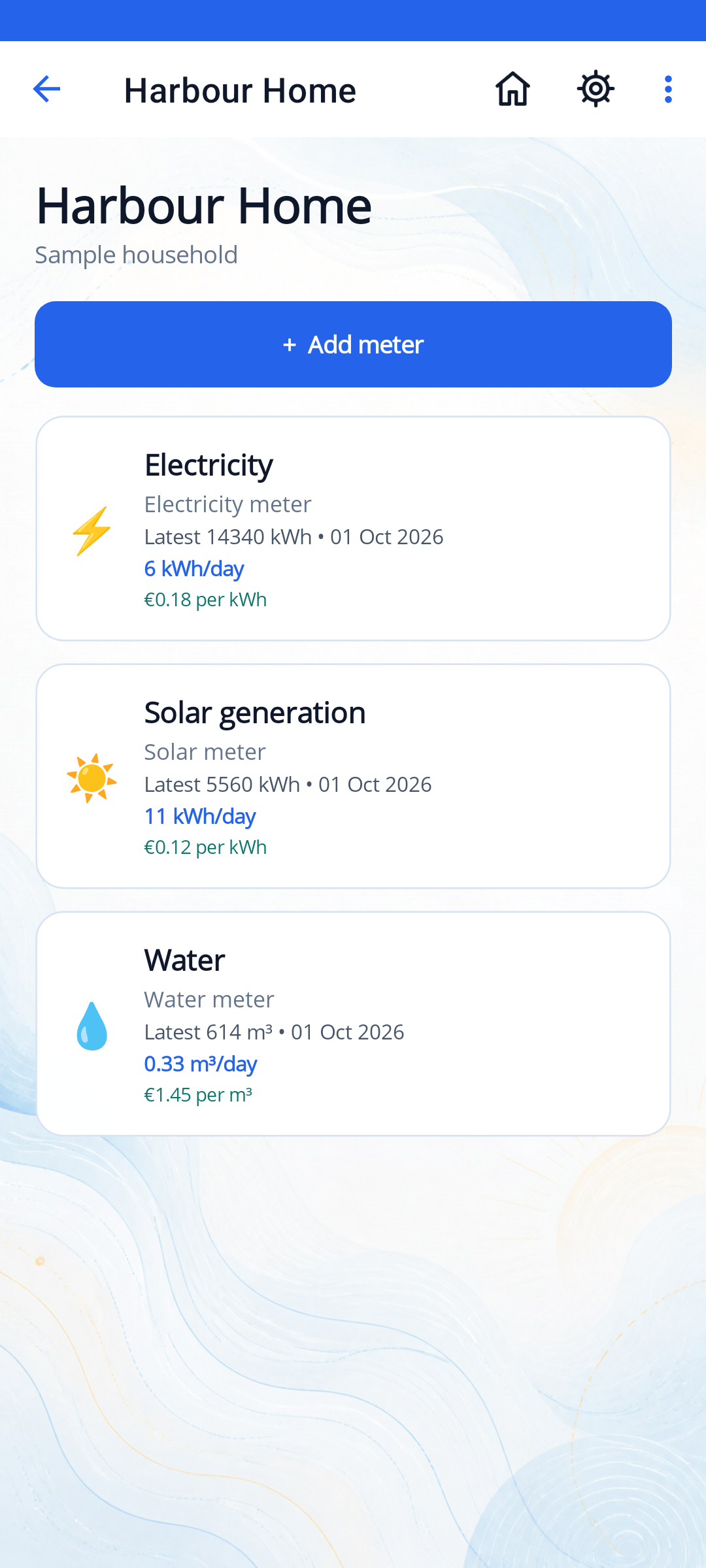
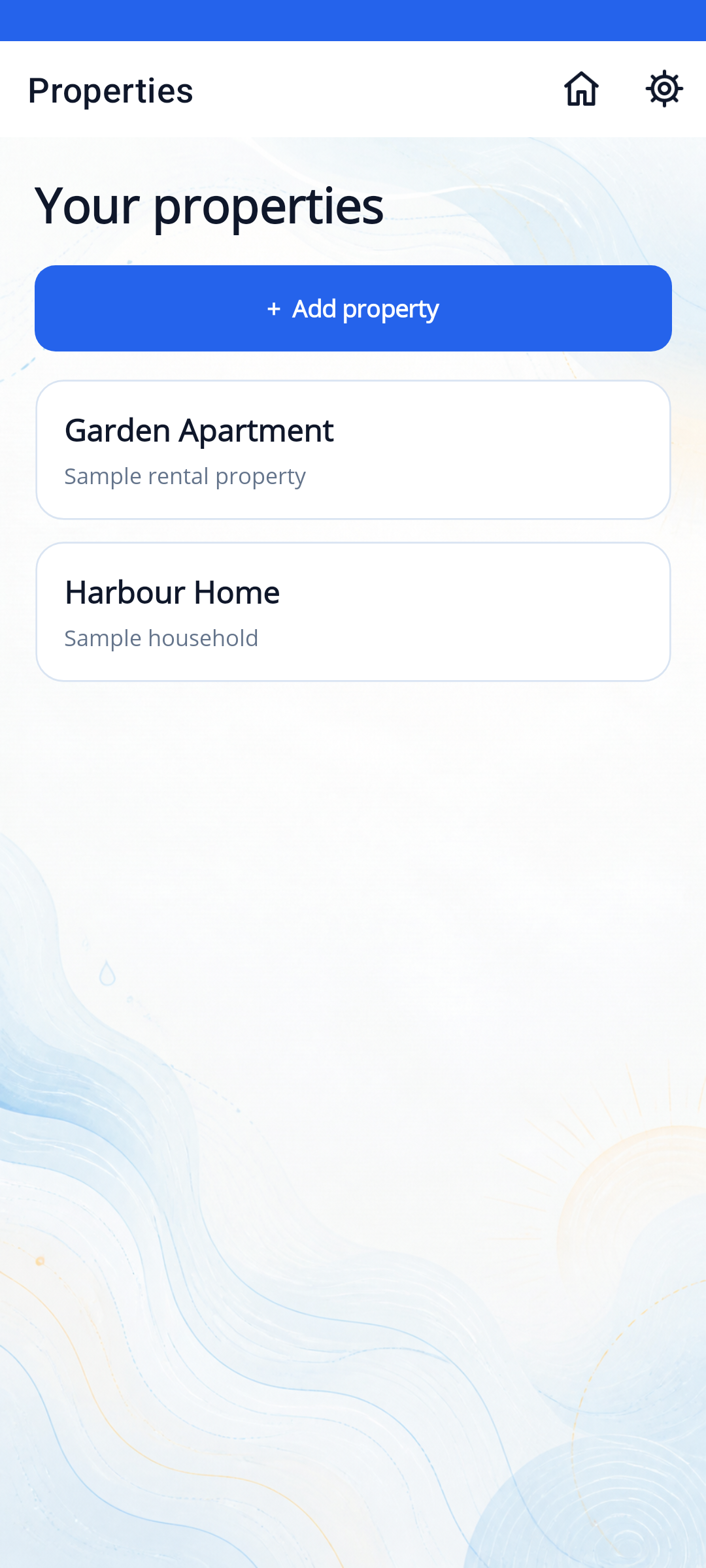
Organise multiple properties and keep separate electricity, water, gas and solar meters under each one.
Keep electricity, water, gas and solar meter readings in one place. See how your usage changes, estimate costs and keep a photo with each reading.
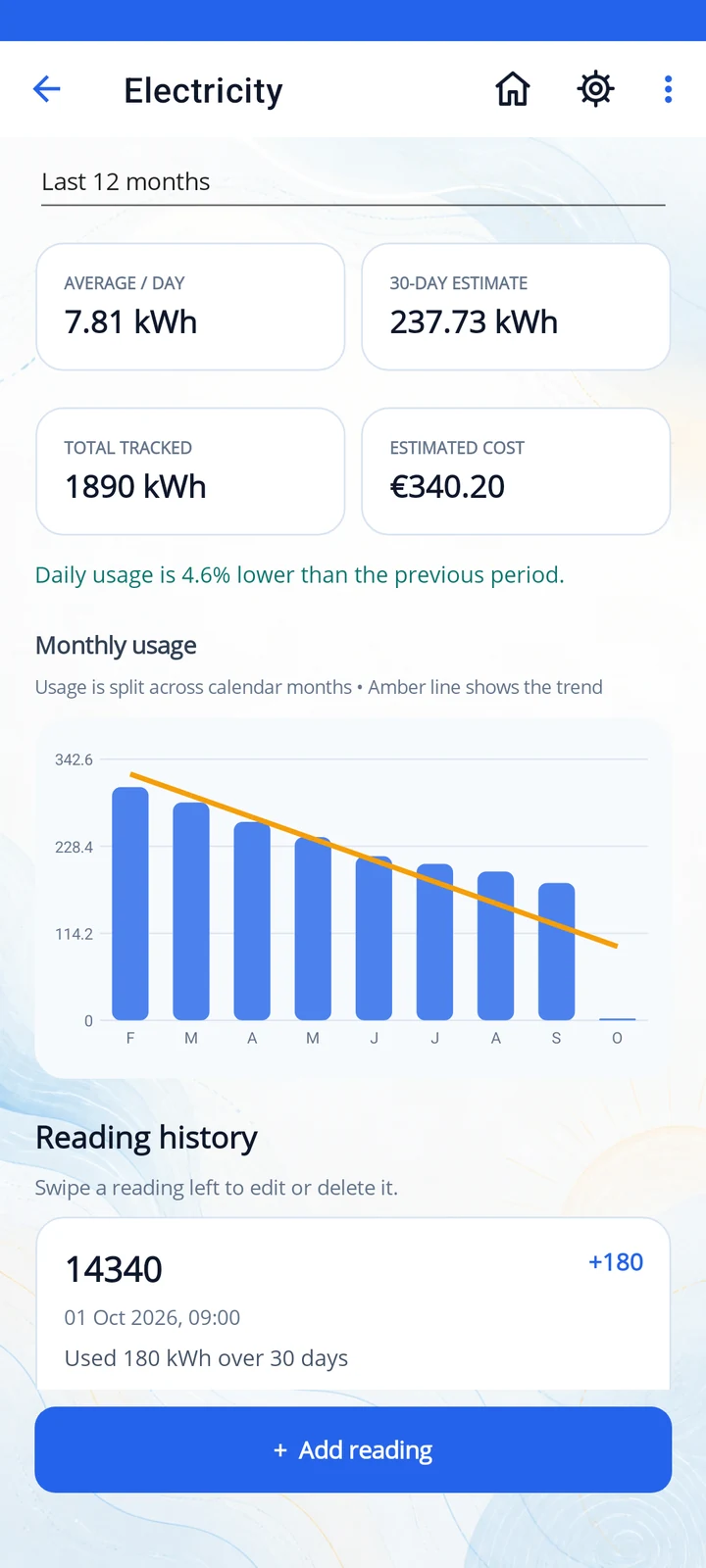
Explore the actual version 1.4.5 screens with sample household data. Select an image to view it at full size.
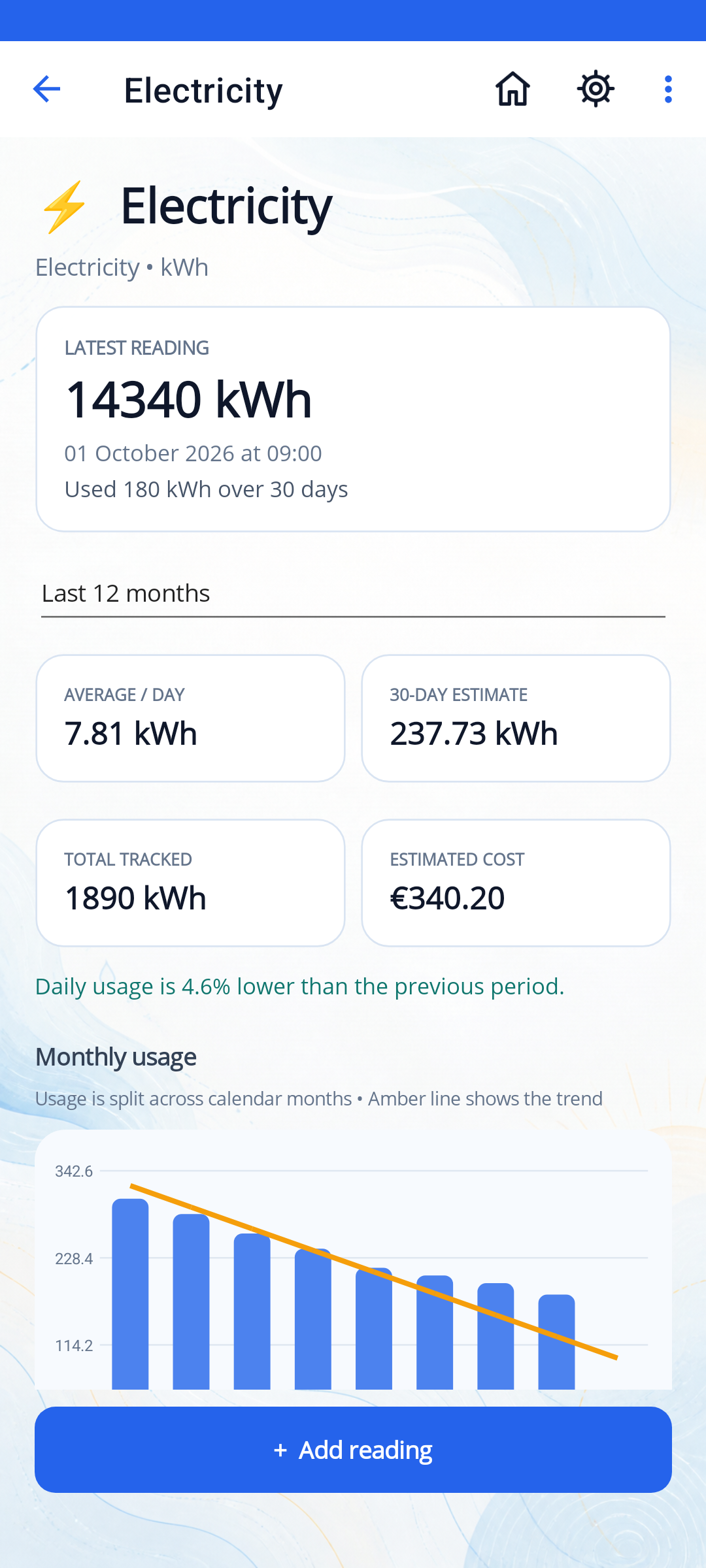
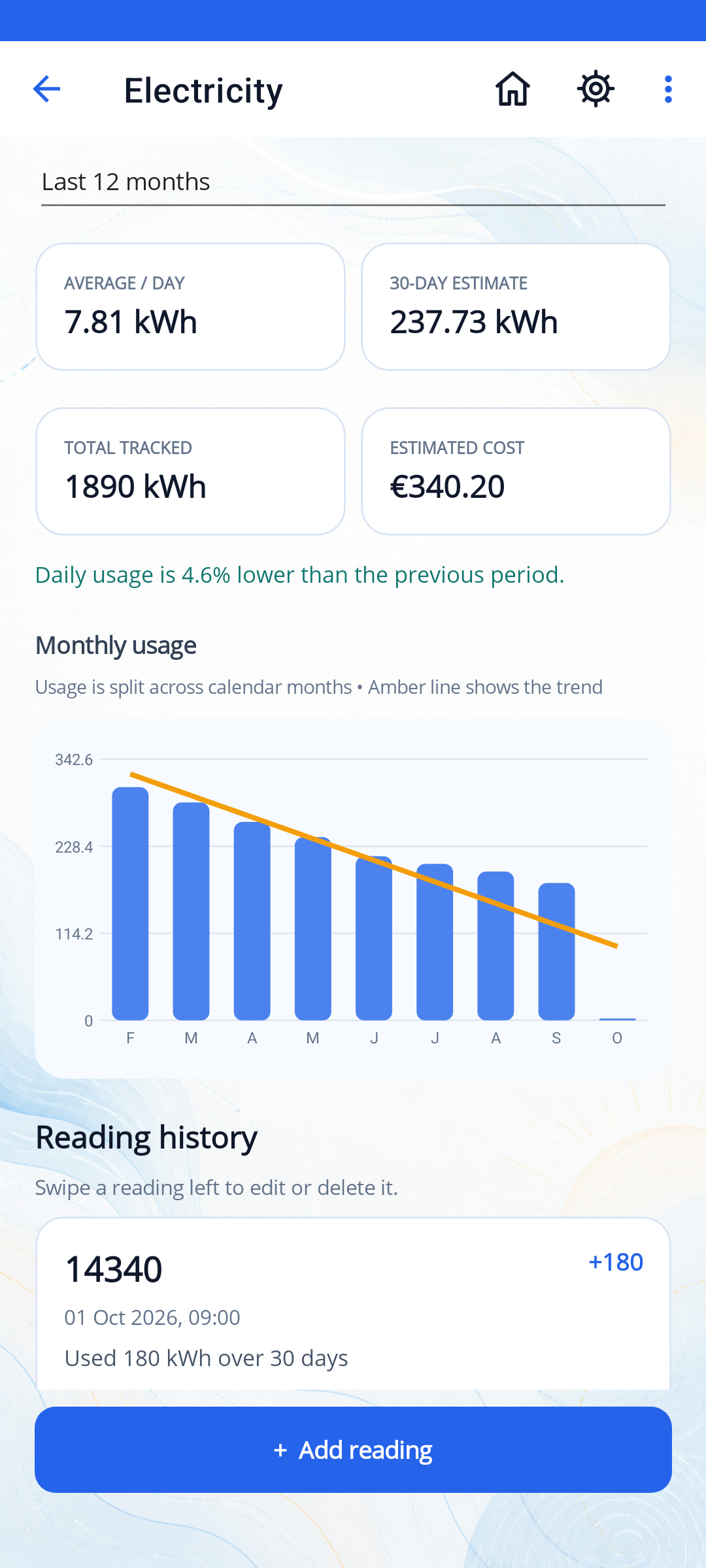
For your home, rental property or building: keep a reading history for each meter and compare consumption over time.
Organise multiple properties and keep separate electricity, water, gas and solar meters under each one.
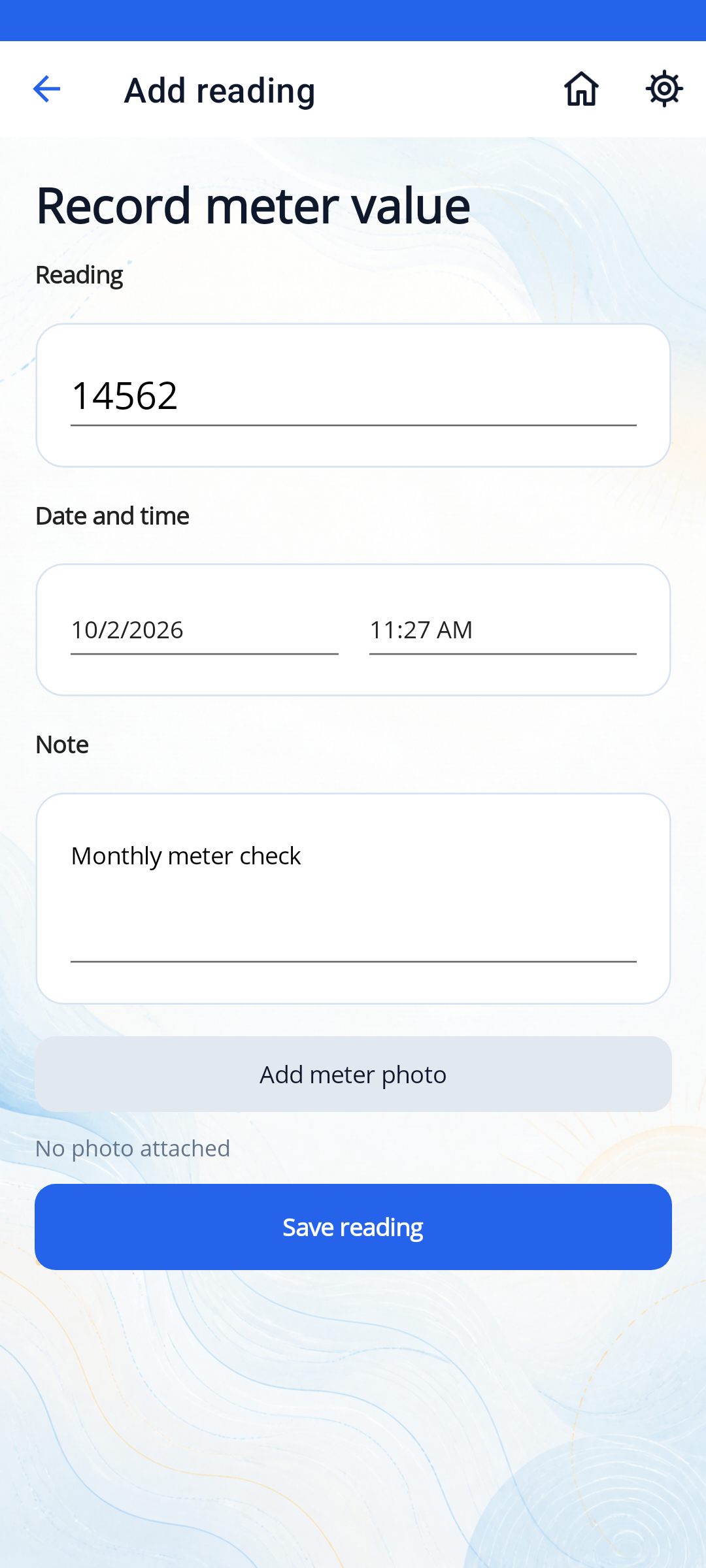
Record the meter value, date and time. Add a note or photograph, then zoom into a saved photo when you need to check a reading.
See consumption between readings, average daily usage and estimated cost based on the unit cost you enter.
Review calendar-month consumption with a trend line. Usage between readings is spread across the days in that interval.
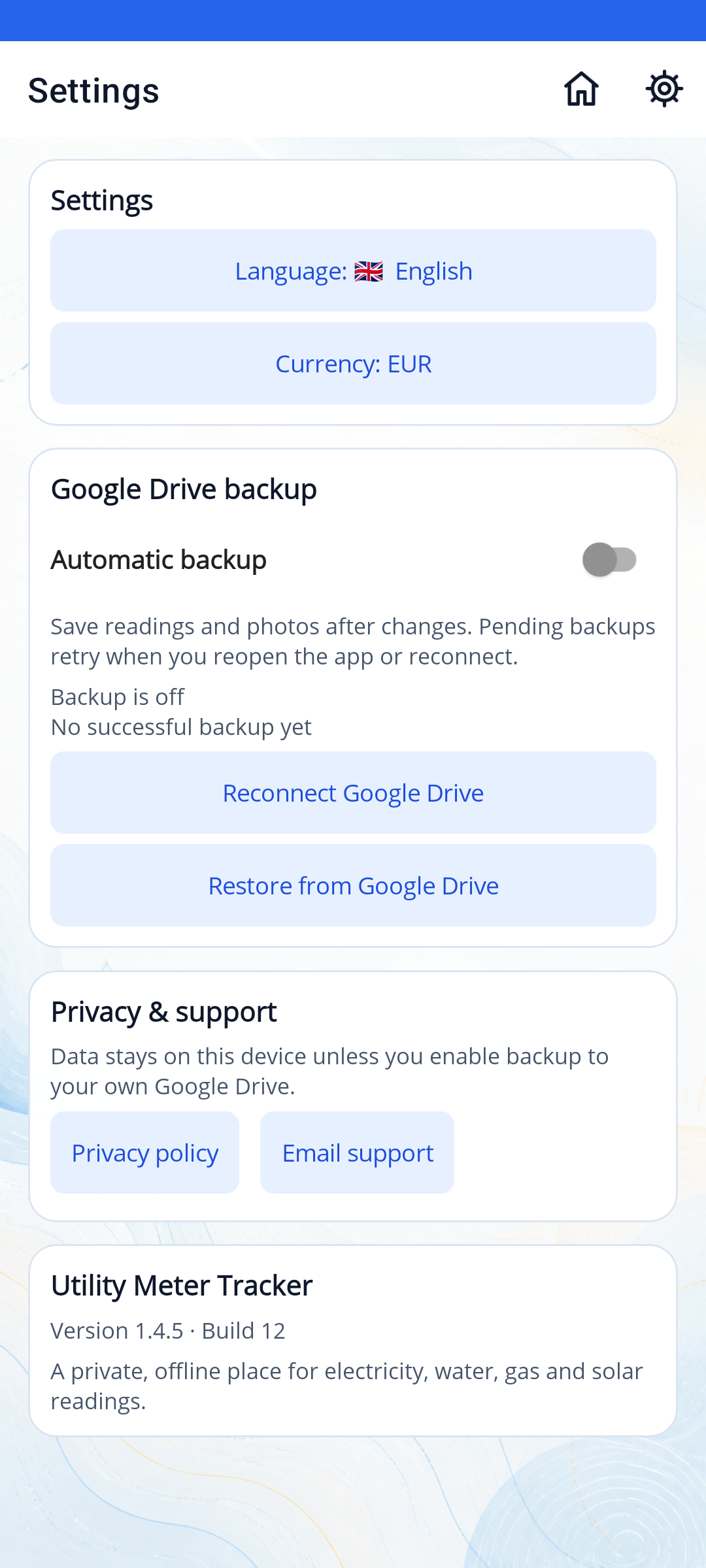
Record and review readings offline. Enable Google Drive backup in Settings to back up readings and photos to your own account and restore them later.
Choose English, Spanish, French, German, Italian, Portuguese, Arabic, Hindi or Simplified Chinese.
Yes. Utility Meter Tracker supports electricity, water, gas and solar meters, with separate reading histories for each meter.
Local meter tracking needs no account and works offline. Optional Google Drive backup and restore need a Google account, authorisation and an internet connection. Rewarded ad actions also need internet access and an available ad.
You enter the meter value yourself. Photos are saved as a reference alongside a reading; the app does not extract numbers from them or connect directly to a smart meter.
Estimates use your recorded consumption and the unit cost you enter. Your provider's bill may include standing charges, taxes, tiered tariffs or other adjustments.
Google Drive access is currently limited to approved Google test accounts. After you enable backup in Settings, the app backs up readings and photos to its hidden application-data area in your own Google Drive while it can run. Pending backups retry when you reopen the app or reconnect. Sign in to the same Google account to restore a backup after reinstalling or changing devices. Restoring replaces local records after confirmation.
Yes. The app includes banner ads. Rewarded ads are required to add each additional property, each additional meter within a property and every fifth new reading within a meter.
Your readings, notes and photos are stored in the app's private storage on your device. Optional backups go to your own Google Drive. Read the privacy policy for details about backups, advertising and deleting data.
Google Drive backup currently requires an approved Google test account. Local meter tracking is available without an account.
Download Utility Meter Tracker on Google Play and build a useful history of your household utility usage.